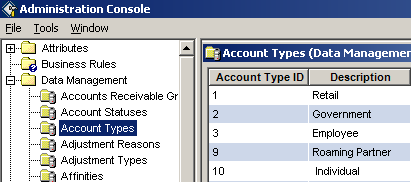
The Data Management application in Admin Console lets you configure data tables for items such as account statuses, rate periods and usage types, specifically for your organization. These data tables determine the contents of many of the drop-down lists in the IDI Desktop Client.
Note
IDs are generated by the system when you click Save. Sort, Filter, Find, and Export are inactive. A folder displaying a gray server indicates a folder created by IDI Billing Solutions. Sort, Filter, Find, and Export are active.
Tables
The tables are listed alphabetically. Click the alphabetic range to see the tables available for that range:
S-Z
How to Use the Tables
For guidelines on working with tables, see Working with Data Management Tables