This table defines Holiday information associated with the Time of Day information for setting up rating details based on a specific day of the year.
Note
Remember to update the holidays each year!
To set up and maintain the Holiday table:
Under Data Management double-click Holiday. This displays the Holiday window.
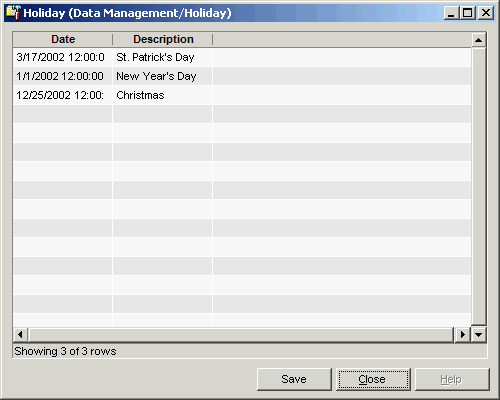
The Holiday window contains the following information.
Date
Calendar date of the holiday (valid date format is MM/DD/YYYY). Defaults to the current date.
Description
Description of the holiday.
The shortcut menu for this table lets you add, edit and delete holiday specifications. See Working with Data Management Tables.