The Trouble Severity table defines flags that indicate the severity of a trouble ticket.
To set up and maintain this table:
Under Data Management expand the Journals folder and double-click Trouble Severity. This displays the Trouble Severity window.
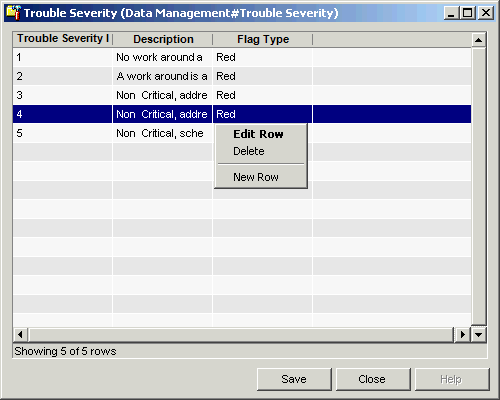
The Trouble Severity window contains the following information:
Trouble Severity ID (read only)
System-generated identifier that uniquely identifies the Trouble Severity ID.
Description
Description of the trouble severity.
Flag Type
Color of the flag that indicates this severity level.
The shortcut menu for this table lets you add, edit and delete trouble severity flag specifications. See Working with Data Management Tables.