The Customer Region table lets you further define how charges are assigned to your customers. After creating customer regions, you can limit pricing plans and products to a certain customer region.
You determine what constitutes a customer region. It may be a geographical region of the country, such as the Northeast or Southeast, or it may be related to a local exchange carrier, such as Ameritech or Bell Atlantic South.
To set up and maintain this table:
Under Data Management double-click Customer Region. This displays the Customer Region window.
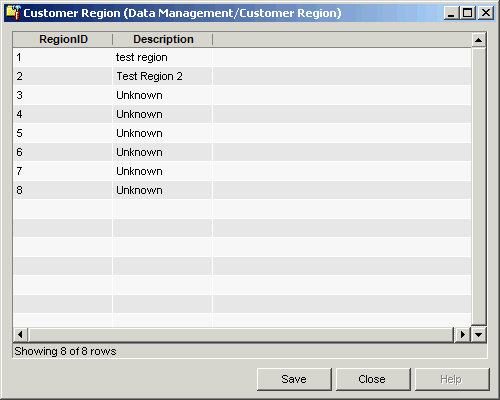
The Customer Region window contains the following information.
Region ID
(read only)System-generated identifier that uniquely identifies this record.
Description
Description of the customer region
The shortcut menu for this table lets you add, edit and delete customer regions. See Working with Data Management Tables.