This table lists Trouble Technicians who may be assigned to work on and resolve trouble tickets. The Trouble Technicians table populates the drop-down list for the Technician Assigned input field on the Trouble tab in the New and Edit Trouble Ticket windows (applies to customer, Global, and Standalone trouble tickets).
To set up and maintain the Trouble Technicians table:
Under Data Management expand the Journals folder and double-click Trouble Technicians. This displays the Trouble Technicians window.
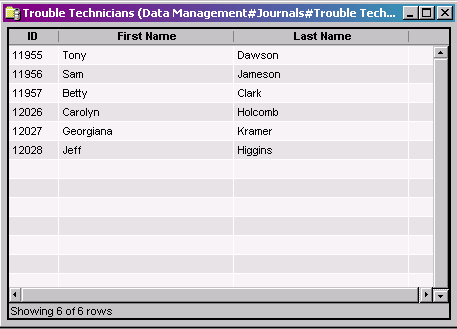
The Trouble Technicians window provides the following information:
ID
System-generated identifier that uniquely identifies the Trouble Technician.
First Name
First name of the technician
Last Name
Last name of the technician
Note
You do not have to enter both First Name and Last Name. You can specify either one or both.
The shortcut menu for this table lets you add, edit and delete trouble technicians. See Working with Data Management Tables.