This table defines Order States to further explain the status of the order.
To set up and maintain the Order State table:
Under Data Management expand the Orders folder and double-click Order State. This displays the Order State window.
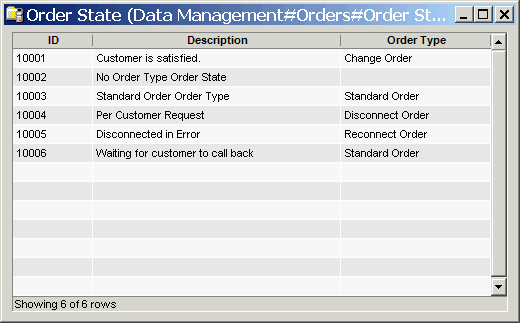
The Order State window contains the following information:
Order State ID
(read only)System-generated identifier that uniquely identifies the Order State.
Description
Description of the Order State. This description populates the Line drop-down list of an order.
The shortcut menu for this table lets you add, edit and delete order states. See Working with Data Management Tables.