The Deposit Waive Types table lets you define the reasons that a customer would not need to supply a deposit. To set up and maintain this table:
Under Data Management expand the Deposits folder and double-click Deposit Waive Types. This displays the Deposit Waive Types window.
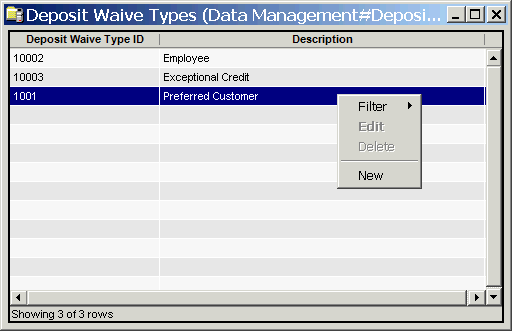
The Deposit Waive Types window contains the following information.
Deposit Waive Type ID
System-generated identifier that uniquely identifies the deposit waive type. (IDs less than 10000 are reserved for the system.)
Description
A description of the waive type.
The shortcut menu for this table lets you add, edit and delete deposit waive types. See Working with Data Management Tables.