Credit report results are user-defined descriptions that can be associated with report statuses returned from Experian. To set up and maintain this table:
Under Data Management expand the Credit Scoring folder and double-click Credit Report Results. This displays the Credit Report Results window.
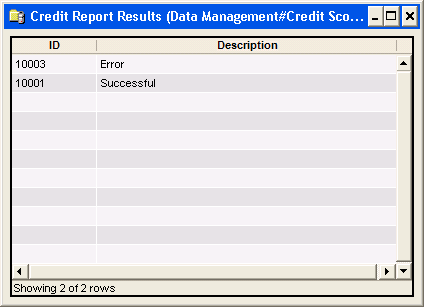
The Credit Report Results window contains the following information.
ID
System-generated identifier that uniquely identifies this record.
Description
Credit Report Results name.
The shortcut menu for this table lets you add, edit and delete credit report results. See Working with Data Management Tables.