
This release provides several provisioning enhancements.
- Significant modifications have been made to variables functionality. The system now thoroughly analyzes the order’s context to ensure the correct value is sent to the provisioning provider.
- The provisioning system allows multiple actions—such as adding or disconnecting services or features —to be executed within the same order, eliminating the need for workflow splitters or separate orders.
- All relevant SKUs are included in the provisioning request for modify service actions when the POD is assigned at the feature level.
Provision From Order Workflow Action
This Provision from Order workflow action provides two new optional parameters:
- Billing System Update Complete: This is used in conjunction with provisioning variables functionality. It directs the system to look at SKUs on the order (before billing system update) or in the billing system (after billing system update) to determine the provisioning value.
- Provisioning Transition: This gives administrators greater control of which provisioning requests are executed by workflow, allowing multiple provisioning actions to be performed in a single order.
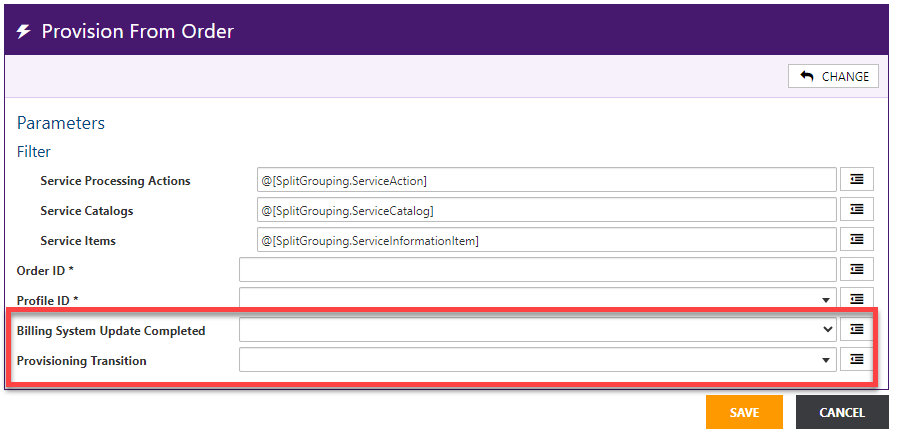
Billing System Update Complete
The new Billing System Update parameter aids variables functionality in determining the correct value. This lets you direct the system to look at order content (before the billing system update) or the customer’s account (after the billing system update) to determine the variable value.
- If you’re not using variables, the value can be left blank.
- Set the value to No if the Provision from Order action is executed in your workflow before the Billing System Update action is completed.
- Set the value to Yes if the Provision from Order action is executed in your workflow after completing the Billing System Update action.
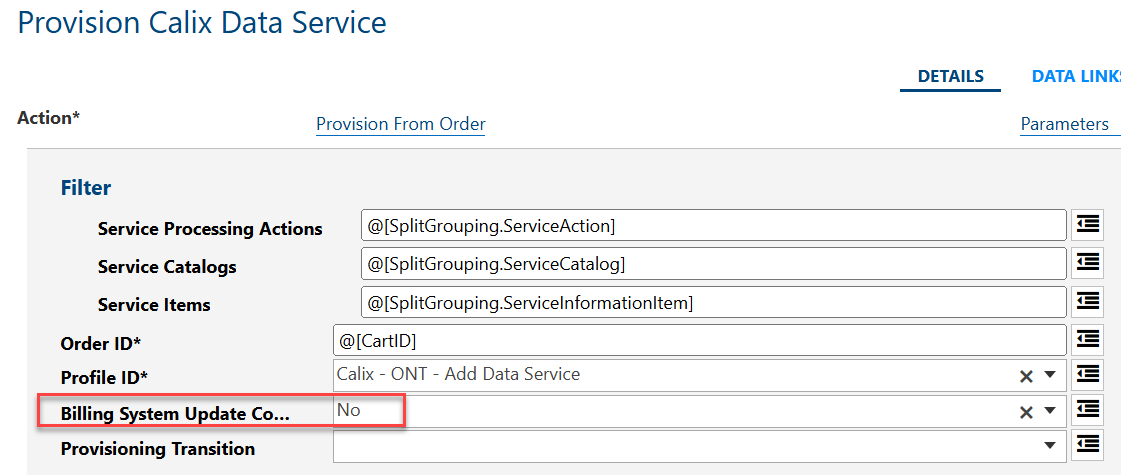
Provisioning Transition
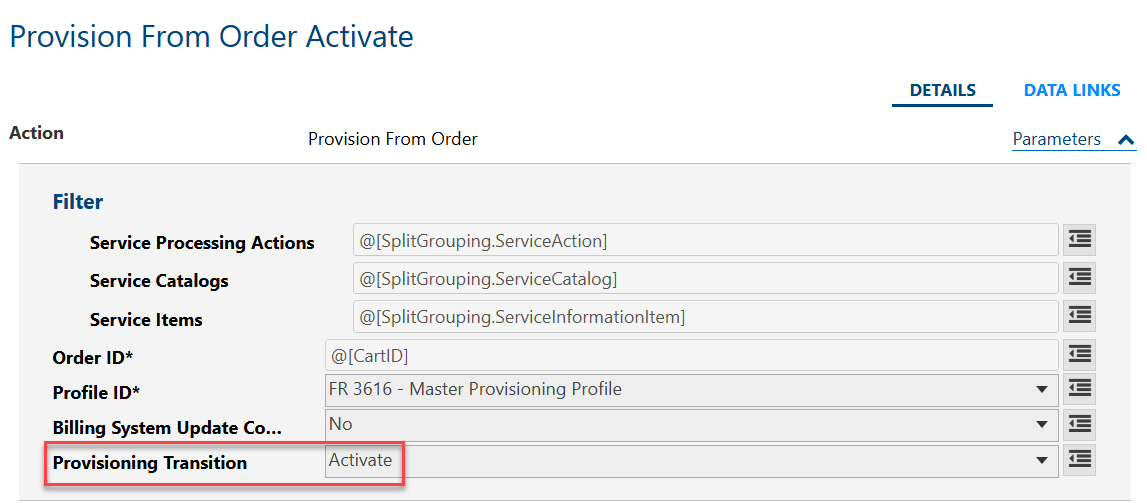
This new parameter lets you specify which order action needs to be performed to generate the provisioning request. You can select one of the following from the drop-down menu: Activate, Deactivate, Reactivate, Restore, Suspend, or Update. The provisioning request will be processed if the provisioning transition matches the parameter configured on the Provision from Order action. If not, the request will be skipped. This facilitates performing add and disconnect actions in the same order in the following scenarios:
- When you assign provisionable objects at the service level you can perform adds and disconnects in the same order without splitting the workflow by service action to route the workflow to the correct provisioning action.
- When you assign provisionable objects at the service level you no longer need to perform add and disconnect actions in separate orders.
Note: The parameter is optional. If left blank, the system will behave as normal.

Each Transition relates to the following Service Actions:
| Provisioning Transitions | Service Action |
| Activate | Add |
| Update | Update, Swap |
| Deactivate | Disconnect |
| Suspend | Hotline, Redirect, Suspend |
| Restore | Restore |
| Reactivate | Reconnect |
Example: workflow definition executed from an Activate order:

All the provisioning actions completed automatically; however, only the Provision from Order Activate action generated a provisioning request because the Provisioning transition was set to Activate.
Configured Action:
Completed Request:

All the other workflow actions skipped generating the provisioning request because the provisioning transition was not Activate.
Example: Completed request for the skipped Restore provisioning transition:

Provisioning Request Processing Improvements
In addition to the workflow action enhancements, improvements to the provisioning request process ensures:
- Variable default values are used when no matching outcome/SKU combination is found on the order.
- When the POD is assigned at the feature level, the provisioning request picks up all applicable SKUs on modify service actions. Previously, PODs assigned to the feature level were not sent to Provisioning.
