
An invoice format configuration setting in Admin Console Business Rules lets you include an invoice number in the bar code element on an invoice format basis. When enabled (checked), the generated XML will include an invoice number in the bar code. Adding the invoice number to the scanline facilitates applying payments to a specific invoice and customer, resulting in more accurate cash posting.
Note: You’ll need to contact your IDI support team or account manager to use this functionality. Access to the setting, as shown below, is not available to IDI platform users.
Setup (for authorized IDI associates only)
The Include Invoice Number in barcode setting is located in Admin Console:
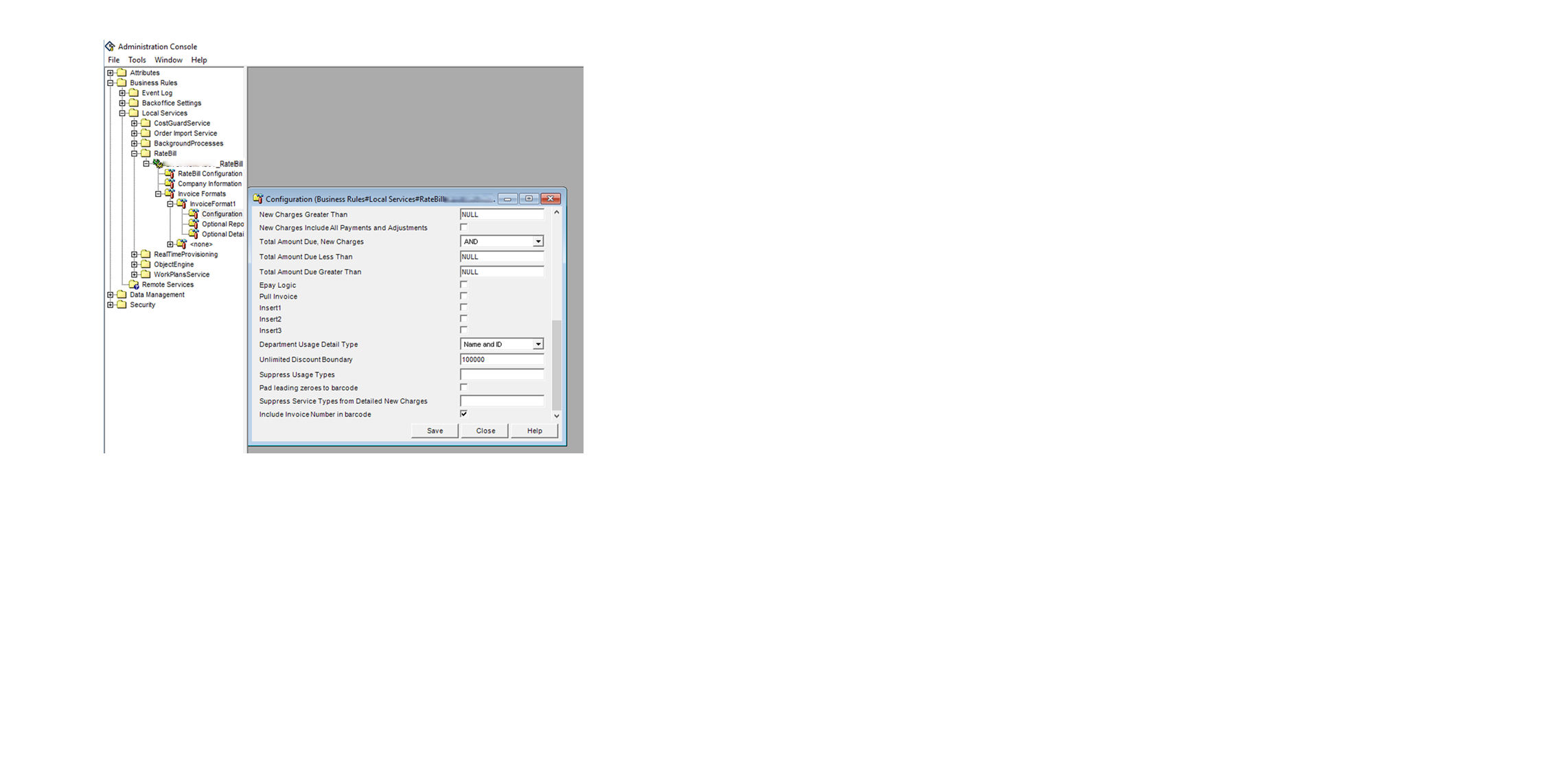 Business Rules > Local Services > RateBill> <server>_RateBill > Invoice Formats > <Format Name> > Configuration
Check the box to include the invoice number or leave it unchecked to exclude invoice number.
